How to move from a paper book or Excel to a CRM in one evening
In short: it takes one evening if you go in the right order – price list and specialists first, then upcoming bookings, then clients and messengers. Keep the old book for a week and run both in parallel until everyone is used to it.
AuraOS team · 7 days free, no card required · Updated:
The evening plan
- 1
Price list (20 minutes)
Enter services with prices and durations. In AuraOS a photo of the price list is enough – the AI assistant creates the services.
- 2
Specialists and schedules (20 minutes)
Who does which services and on which days.
- 3
Upcoming bookings (30–60 minutes)
Move the next 2–3 weeks of bookings from the book.
- 4
Clients (10 minutes)
Upload a list from Excel or the phone; if there isn’t one, the base builds itself from bookings.
- 5
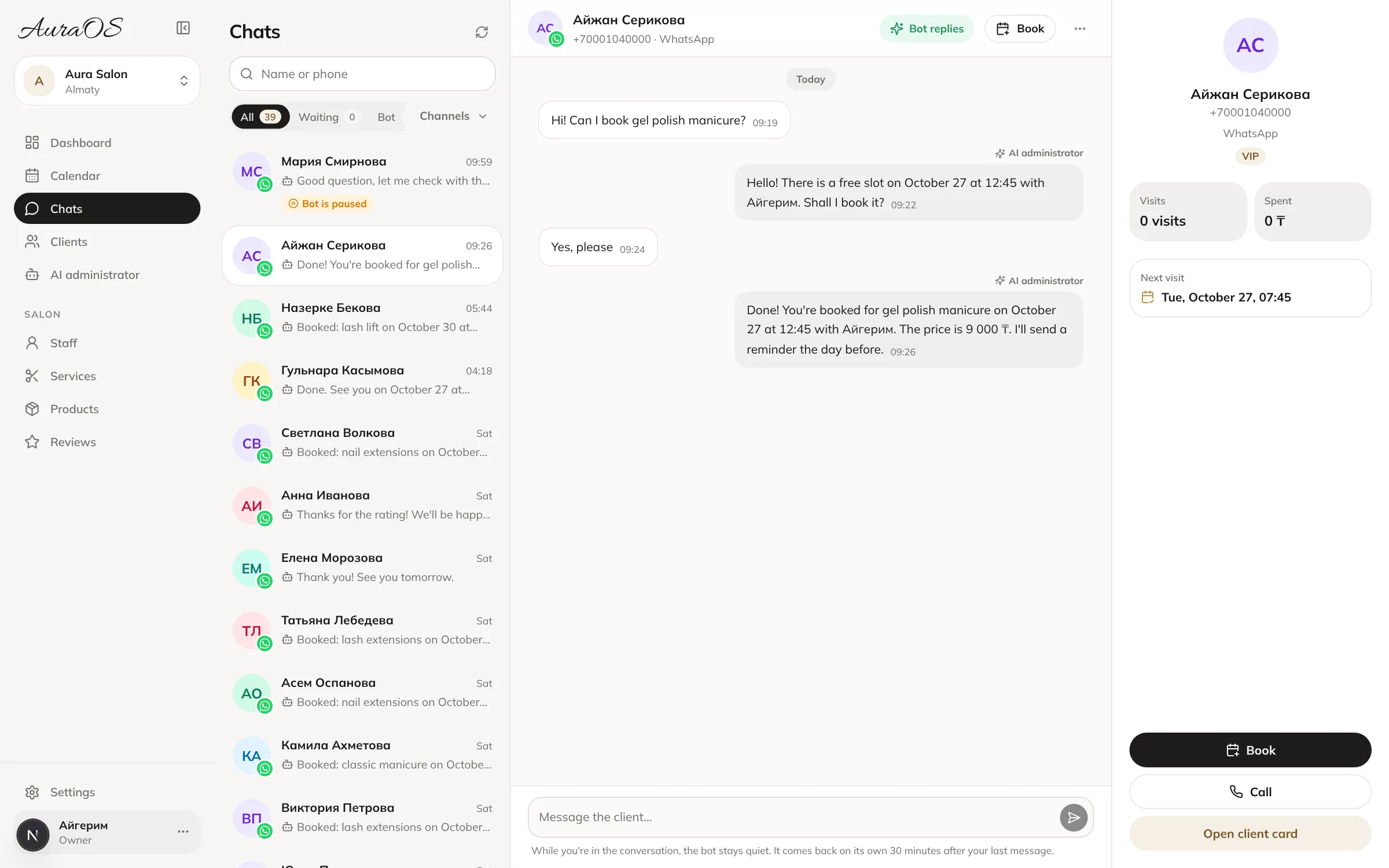
Messengers (10 minutes)
Connect WhatsApp, Instagram or Telegram.
The first week
- Give specialists a login and show them where their day’s bookings are.
- Enter every new booking only in the CRM; the book is just a backup.
- At the end of the week compare the book with the calendar – if they match, you no longer need the book.
Common mistakes
- Moving years of history – clients and upcoming bookings are enough.
- Not telling specialists that bookings now live only in the CRM.
- Putting off connecting messengers – that is where the main benefit is.
If you’d rather not do it yourself, AuraOS moves your data for free. Digital booking journal.
Frequently asked questions
How long does the move take?
For a salon with 3–6 specialists – one evening, plus a week to get used to it.
What about clients without a phone number in the book?
Add them as they visit – the base fills in by itself.